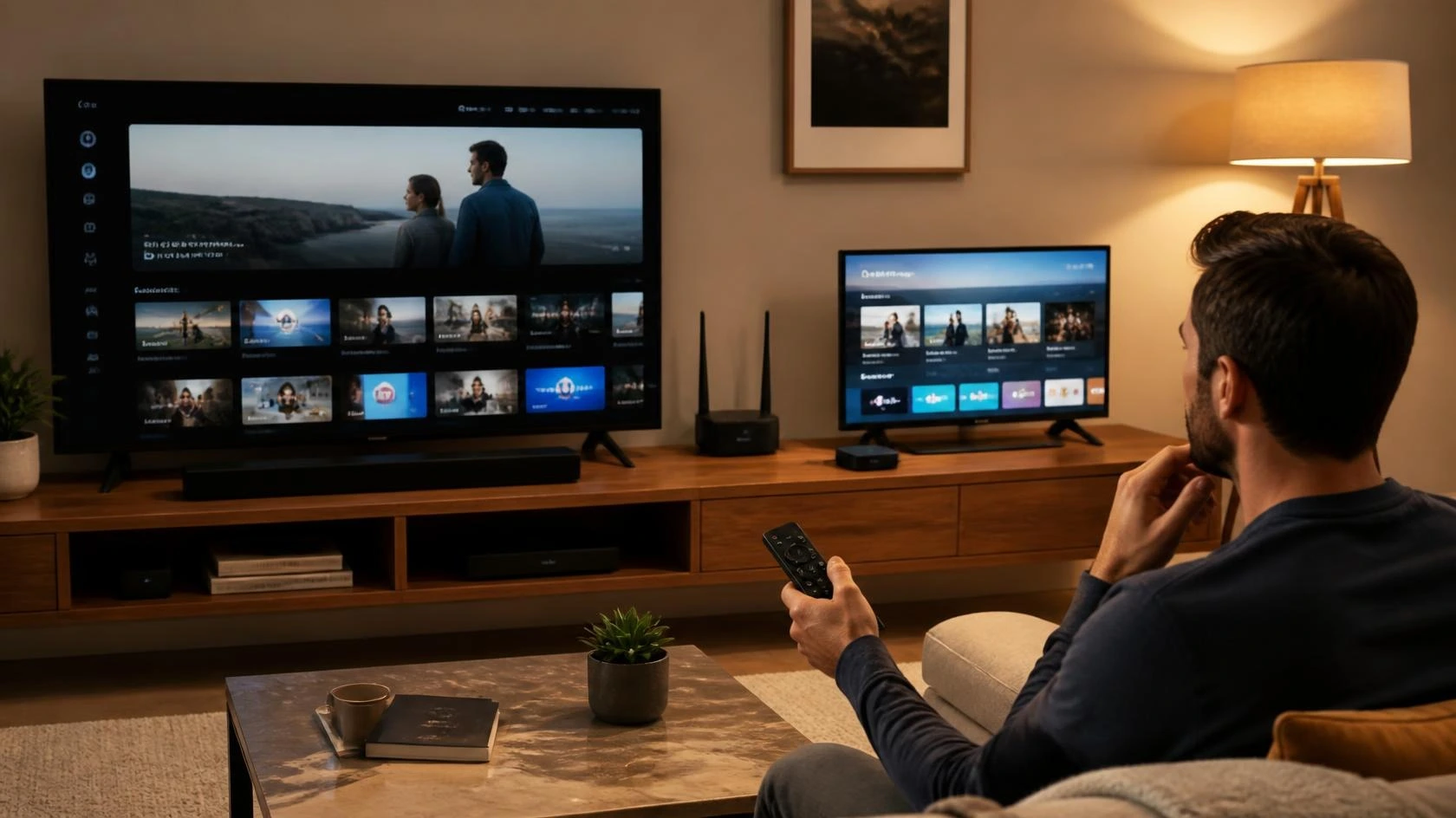
Smart TV vs Streaming Device: Which Setup Makes More Sense?
A Smart TV already has streaming software built into the television. A dedicated streaming device adds separate hardware that connects to the TV and provides its own streaming platform. Both approaches can give you access to streaming services, but they are not identical, and the difference matters more once you factor in software support, application availability, updates, performance, remotes, connections, and future upgrades.
The Smart TV vs streaming device decision is therefore less about whether one can stream video and more about how you want your television setup to work over time. This guide focuses on that practical decision and does not repeat our separate Smart TV setup guide or our broader comparison of streaming devices.
What Is the Difference?
A Smart TV combines the television display and streaming platform in one product. The operating system, applications, network connection, remote control, and display are all designed to work together, so you don’t need a separate streaming player for basic streaming applications when the TV already supports the services you use.
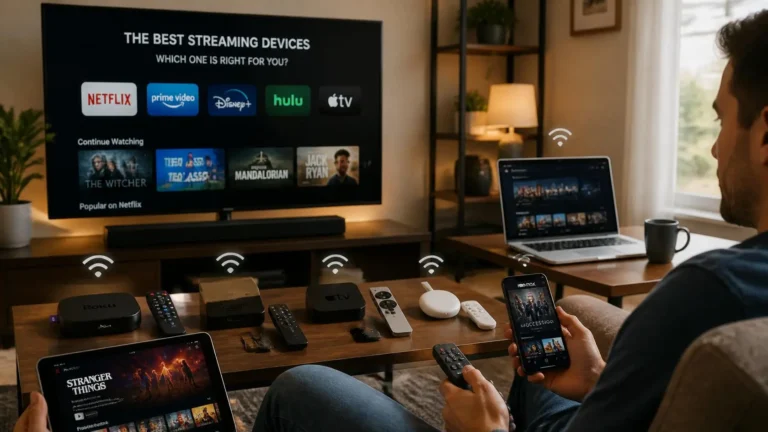
A dedicated streaming device is separate hardware. It connects to the television through HDMI and provides its own operating system, applications, network connection, and remote. Google’s current Google TV Streamer, for example, connects to a TV or other display through HDMI and provides its own Google TV software environment, and Netflix supports both smart TVs and separate streaming players from several manufacturers.
The important difference is that a dedicated device separates the streaming platform from the television itself. That’s the core of the Smart TV vs streaming device decision in practice.
Smart TV: Everything in One Device
A Smart TV is convenient because the display and streaming platform arrive as one system. After connecting the television to the internet, you can normally install or open supported streaming applications directly from the TV interface, with no additional box or stick to position and no second HDMI connection dedicated to the streaming platform.
This can make the setup cleaner, particularly when the television is wall-mounted or when you want fewer components around the screen. The trade-off is that the streaming software is tied to the television’s hardware and manufacturer support.
Dedicated Streaming Device: Separate the Platform From the TV
A dedicated streaming device lets you choose the streaming platform separately from the television. The television provides the display, while the external device handles the streaming applications and interface, which can be useful when you like a particular streaming platform or want to replace the streaming system without replacing the display.
A Google TV Streamer, for example, can work with a display that has HDMI even when the display has a different native resolution, though Google notes that the output is limited by what both the TV and streamer support. That separation is one of the main reasons to consider external hardware.
Apps Are a Major Part of the Decision
Application support is one of the first things to check. A Smart TV may support the services you currently use, but application availability can vary by television model, operating system, region, and age, and Netflix notes that some older TVs and streaming devices may no longer support its application.
A dedicated streaming device gives you another software platform to consider. It doesn’t guarantee that every application will be available, but it can provide an alternative when the TV’s built-in platform doesn’t meet your needs, which makes the Smart TV vs streaming device question particularly relevant when you’re buying a new television or deciding whether to upgrade an older one.
Software Support Can Change Over Time
Televisions can remain physically useful for many years, but the software platform may have a different support life. A TV panel can continue displaying video even if its built-in applications become outdated or a particular streaming service stops supporting the television’s operating system.
Netflix’s supported-device documentation shows why software compatibility matters, since the service maintains device-specific requirements and notes that older hardware may lose support. An external streaming device provides another upgrade path, since instead of replacing the entire television, you can potentially replace only the streaming hardware.
A Streaming Device Can Extend an Older TV
This is one of the clearest practical reasons to use external hardware, and it’s worth walking through in full since it comes up constantly in the Smart TV vs streaming device debate. Suppose your television still has a good display, but its built-in applications are slow, outdated, or missing a service you want to use. If the TV has a suitable HDMI input, a compatible streaming device may provide a newer streaming platform without requiring a new display, and Google states that its current Google TV Streamer works with TVs or displays that have HDMI.
There’s an important limit here, though. The television still determines the maximum display capabilities, so a 1080p television does not become a 4K display simply because a 4K streaming device is connected. The external device changes the streaming platform, not the physical capabilities of the panel, which means an older TV with a genuinely good picture is a strong candidate for this approach, while a TV whose display itself feels dated usually isn’t.
Performance Is Not Determined by the TV’s Age Alone
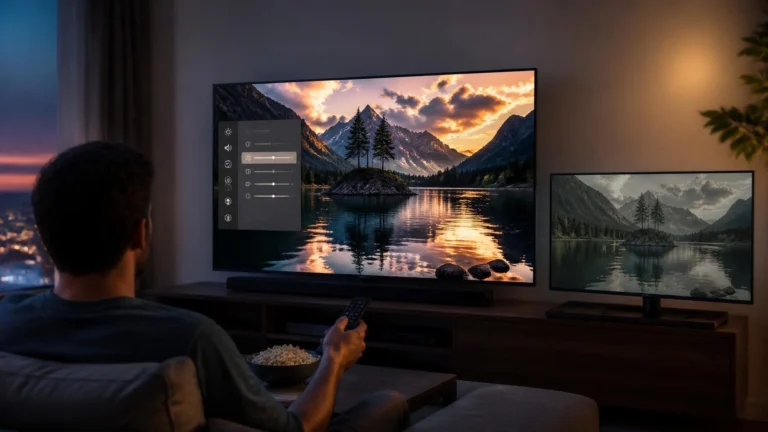
A newer Smart TV can have a faster processor and better software than an older television, and an external streaming device can also provide newer hardware than the built-in platform. This can affect application startup, navigation, search, menus, and general responsiveness. There’s no universal rule that every streaming device is faster than every Smart TV, though, since the hardware and software of the specific products matter. If responsiveness is important, compare actual models rather than assuming that external hardware automatically performs better.
What About Streaming Quality?
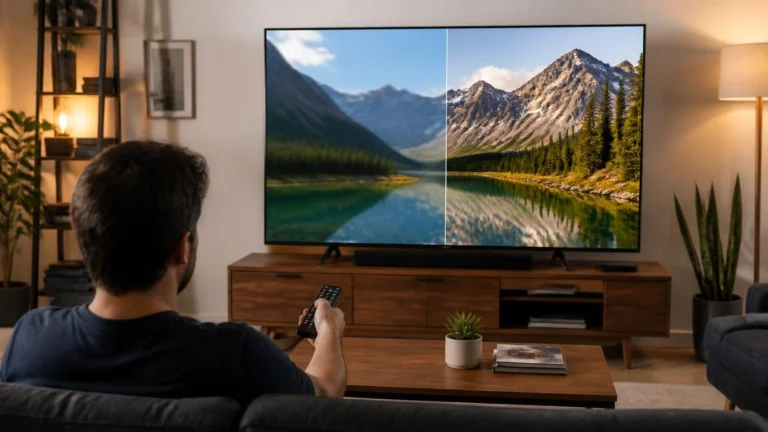
A streaming device does not automatically improve picture quality. The final video quality depends on the content, service, internet connection, device, display, and supported playback formats, and Google’s documentation states that the Google TV Streamer can output up to 4K HDR at 60 frames per second, but the actual resolution is still limited by both the TV and streaming device.
Netflix similarly documents separate requirements for 4K and HDR playback on supported televisions and external streaming devices. An external device shouldn’t be purchased solely because it carries a 4K or HDR label, since the rest of the playback chain still matters just as much.
What About HDR?
HDR support is also dependent on the complete setup. A Smart TV needs compatible hardware and software to display HDR content through its built-in application, and with an external device, both the streaming device and television need to support the required HDR configuration.
Netflix’s documentation for its Google TV Streamer, for example, requires an HDR-capable Smart TV and a compatible streaming device for HDR playback. This means an external device can provide HDR capability only when the television and content can also support it. For the picture-format decision itself, see our HDR vs SDR streaming comparison.
Ethernet Can Change the Choice
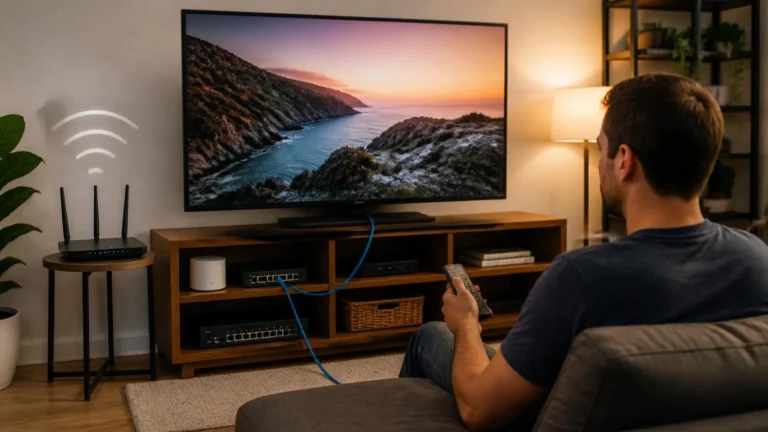
Network connectivity is another practical difference. Some Smart TVs include Ethernet ports while others rely mainly on Wi-Fi, and dedicated streaming devices vary the same way, with some compact devices designed primarily around Wi-Fi while certain larger devices include Ethernet. Google’s current Google TV Streamer includes Gigabit Ethernet alongside Wi-Fi.
If your television has weak Wi-Fi in its current position, an external device with Ethernet could provide another way to build the connection. Adding a device doesn’t automatically fix a network problem, though, since the router, cable, network plan, and physical location still matter. Our Wi-Fi vs Ethernet for streaming guide covers the connection decision separately.
What About the Remote?
The remote becomes part of the experience every time you use the television. A Smart TV normally comes with a remote designed for its built-in platform, while a dedicated streaming device normally comes with its own remote that may also control basic television functions depending on the system.
This can be convenient, but it introduces another device to manage. Some users prefer having one remote that controls most functions, while others prefer a dedicated streaming interface with its own search and navigation features. The better choice depends on how your household actually uses the television.
HDMI Ports Matter
An external streaming device needs an HDMI connection. If your television has several HDMI ports, this is usually straightforward, but if the TV has limited HDMI inputs, adding another device may require you to reorganize the connections or use an HDMI switch.
This matters more when the television is already connected to a game console, soundbar, Blu-ray player, or other external hardware. A Smart TV’s built-in applications, by contrast, don’t consume an HDMI input at all, since the streaming platform is already inside the television.
Audio Equipment Can Affect the Decision
Audio can also influence the setup. A Smart TV can send audio through its built-in speakers, optical connection, or HDMI ARC or eARC depending on the model, while an external streaming device adds another component to the HDMI chain.
Google recommends compatible HDMI 2.1 connections for certain high-quality audio configurations involving its Google TV Streamer, television, soundbar, or AV receiver. This doesn’t make external hardware unnecessarily complicated, it simply means a more advanced home entertainment system may need more attention to how the components connect.
What Happens When the TV Software Becomes Slow?
A slow interface doesn’t always mean the television panel needs replacing. If the built-in streaming platform becomes difficult to use, an external streaming device can move the streaming workload to newer hardware while the television continues serving primarily as the display.
This is one of the strongest reasons to separate the two functions, and it can also make future upgrades easier, since the streaming hardware can be replaced independently of the screen itself.
When an External Streaming Device Makes More Sense
An external device becomes more useful when the built-in platform creates a specific limitation. That might mean missing or poorly supported applications, slow navigation, outdated software, a television with limited streaming support, a need for Ethernet, a preference for a different streaming platform, or simply a desire to upgrade streaming hardware without replacing the TV.
These are practical reasons rather than assumptions that external hardware is always superior. The Smart TV vs streaming device decision should start with an actual limitation or requirement, not with the hardware itself.
Cost Is More Complicated Than the Device Price
A Smart TV includes its streaming platform in the overall purchase price, while a dedicated device adds another cost to the television setup. That doesn’t mean the external option is more expensive in practical terms, though.
If an external device allows you to keep an otherwise suitable television for several more years, the additional hardware may end up less costly than replacing the entire TV. On the other hand, buying an external device for a new television that already meets your requirements may provide little additional value. The useful comparison is the total setup over time, not the price of one component in isolation, which is why cost alone rarely settles the Smart TV vs streaming device question.
What About Portability?
A dedicated streaming device can be moved between compatible televisions, which is more difficult with a Smart TV since the streaming platform is integrated into the television itself. A small external device can therefore be useful in households with multiple screens.
You can move the hardware when needed, although you may still need to sign in again or adjust settings depending on the device and destination television. This is a different type of flexibility from simply using the TV’s built-in applications, and it’s often the deciding factor in the Smart TV vs streaming device decision for multi-TV households.
Smart TV vs Streaming Device: Practical Comparison
| Factor | Smart TV | Dedicated Streaming Device |
|---|---|---|
| Streaming hardware | Built into TV | Separate device |
| Extra HDMI input | Not required for built-in apps | Required |
| Cable clutter | Lower | Higher |
| Apps | Depends on TV platform | Depends on device platform |
| Software upgrades | Tied to TV | Device can be replaced separately |
| Older TV upgrade | Not applicable | Can extend compatible TV |
| Portability | Not portable | Can move between TVs |
| Ethernet | Model dependent | Model dependent |
| Wi-Fi | Model dependent | Model dependent |
| Remote | TV remote | Device remote, sometimes TV controls too |
| Performance | Depends on TV hardware | Depends on device hardware |
| 4K/HDR | TV dependent | Device and TV dependent |
| Cost | Included with TV | Additional hardware cost |
| Best use | Simple integrated setup | Flexible or upgradeable setup |
The table describes general differences. Individual televisions and streaming devices can vary significantly from these patterns.
When the Smart TV Is Enough, and When It Isn’t
A Smart TV may be all you need when the built-in platform is responsive, supports the services you use, receives appropriate updates, and provides the picture and audio capabilities you want. There’s little reason to add another device simply because external streaming hardware exists, and keeping the setup simple also reduces cable clutter and the number of remotes in the room.
This applies just as much to a brand-new television as an older one. If a new Smart TV already has a responsive operating system, supports your preferred services, and has the display capabilities you want, its built-in platform is probably sufficient on its own. Adding an external device still makes sense if you prefer another interface or need a specific connection or application the TV doesn’t offer, but the point is that external hardware should solve a real requirement rather than become an automatic purchase just because it exists.
Simplicity vs Flexibility: How to Actually Decide
A Smart TV usually has fewer physical components, since the television, streaming software, network connection, and remote are all integrated into one product. That makes the initial setup easier and reduces the number of cables around the display, which matters most for users who value simplicity and already have a suitable Smart TV platform.
A dedicated streaming device trades some of that simplicity for separation between the display and streaming platform. You can keep the same TV while changing the streaming hardware, which is useful when application support or software performance changes, and it means the television doesn’t have to determine which streaming platform you use for its entire useful life. This flexibility is one of the strongest practical differences between the two approaches, and it’s the main thing to weigh against the convenience of an integrated setup.
In practice, the decision comes down to three questions. First, does your Smart TV already do everything you need, with working applications, a responsive interface, and connections that suit your home? If so, an external device probably isn’t necessary. Second, if the TV is missing an application, feels slow, or lacks a connection option you need, check its HDMI inputs and display capabilities before buying anything. Third, compare the cost of adding a device against the cost of replacing the television outright. The Smart TV vs streaming device decision becomes far clearer once you start from the specific limitation you’re actually trying to solve.
Common Mistakes When Choosing
One mistake is assuming that every new Smart TV will remain supported for the entire life of the display. Another is assuming that an external streaming device automatically improves picture quality, which it doesn’t, since the television and content still determine important parts of the viewing experience.
It’s also easy to buy an external device without checking HDMI availability, audio requirements, network options, or application support first. Finally, some users replace a perfectly usable TV simply because its built-in software has become outdated, when external hardware may have provided another option worth considering. Most Smart TV vs streaming device mistakes come down to skipping one of these checks before buying anything.
Final Thoughts
A Smart TV and a dedicated streaming device can provide access to many of the same services, but they approach the problem differently. A Smart TV keeps the display and streaming platform together, while a dedicated device separates them and provides an independent streaming system.
The Smart TV vs streaming device choice ultimately comes down to your current TV, applications, software support, network requirements, connections, and upgrade plans. If the built-in platform already works well, keeping the setup simple can make sense. If the software has become limiting, an external device can provide a way to upgrade the streaming experience without replacing the display. The best choice is the one that solves an actual requirement in your setup.
Frequently Asked Questions
Is a Smart TV better than a streaming device?
Neither is universally better in the Smart TV vs streaming device comparison. A Smart TV provides an integrated setup, while an external device provides a separate streaming platform that can be replaced independently.
Can a streaming device make a normal TV smart?
A compatible external device can provide streaming applications and a smart TV-style interface to a television with a suitable HDMI input. The TV itself does not gain new physical display capabilities.
Can a streaming device improve an old Smart TV?
It can provide a newer streaming platform when the television’s existing software has become slow or limited. The display capabilities of the TV remain unchanged either way.
Does a streaming device improve picture quality?
Not automatically. Picture quality depends on the source, service, device, connection, and display, though a streaming device can support higher-quality formats when the rest of the setup is compatible.
Can I use Netflix without a Smart TV?
Yes. Netflix supports compatible streaming players as well as Smart TVs and other devices.
Does a streaming device need Wi-Fi?
Not necessarily. Some devices support Ethernet, while others rely primarily on Wi-Fi, and the available connection options depend on the specific model.
Can I use a streaming device with a 1080p TV?
Yes, if the device supports the TV’s connection and resolution. Google states that its Google TV Streamer can work with a 1080p display, but the output is still limited to the capabilities of that display.
Do I need a streaming device if I have a new Smart TV?
Not necessarily. If the Smart TV supports your applications, provides suitable performance, and meets your connection and display requirements, its built-in platform may be sufficient.
Can I use a streaming device on multiple TVs?
A compatible device can generally be moved between compatible televisions, although the setup, power, HDMI connection, and account configuration all need to be considered each time.
Is an external streaming device worth buying for an older TV?
It can be useful when the display still meets your needs but the built-in streaming software has become limiting. Check the TV’s HDMI support and the device’s requirements first.
Editorial and Source Note
Written and reviewed by the StreamingCommunity editorial team. Technical references for this guide include Google TV Help, Google device specifications, Netflix Help Center, and manufacturer documentation covering Smart TVs, streaming players, application compatibility, HDMI, 4K, HDR, and network connections.
Last reviewed: September 2026