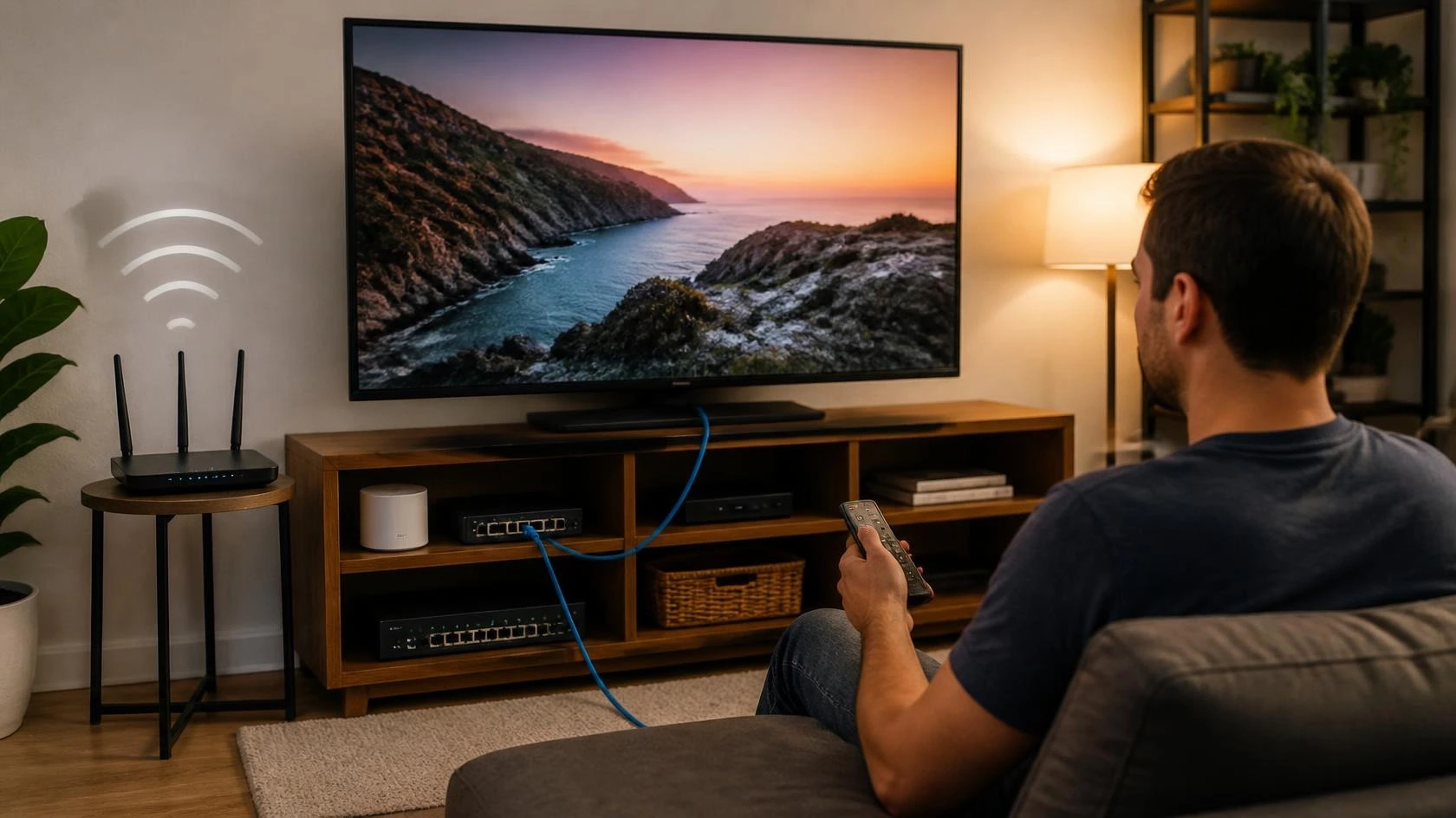
Wi-Fi vs Ethernet for Streaming: Which Connection Fits Your Setup?
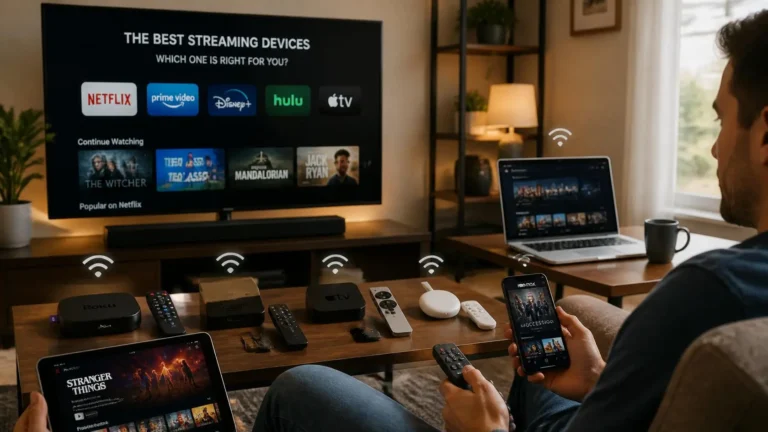
Choosing a network connection for a streaming device is not only about speed. Wi-Fi offers flexibility, while Ethernet provides a physical connection to the network. The better fit depends on the room, device, router location, and how the setup will be used.
The Wi-Fi vs Ethernet for streaming question becomes more useful when you look at the complete setup. A connection that works well for a phone may not be the most practical choice for a television. A desktop beside the router has different requirements from a tablet used around the house.
This guide focuses on that decision. It does not repeat our separate guides about internet speed, buffering, connection errors, or general streaming-device choices.
Wi-Fi and Ethernet Do the Same Basic Job
Both connection types allow a device to reach your local network. From there, the router provides access to the internet and the streaming service.
The main difference is how the device connects to the local network. Wi-Fi uses radio communication between the device and a wireless access point. Ethernet uses a physical network cable.
That difference affects placement and installation. Wi-Fi does not require a cable between the device and router. Ethernet does.
Microsoft notes that home layout, obstacles, signal strength, and wireless congestion can affect Wi-Fi performance. It also recommends testing network performance at different locations in the home.
Wi-Fi vs Ethernet for Streaming: The Main Differences
| Factor | Wi-Fi | Ethernet |
|---|---|---|
| Connection type | Wireless | Wired |
| Installation | Usually simple | Requires cable routing |
| Device movement | Easy | Limited by cable |
| Router distance | Affects wireless conditions | Cable length becomes important |
| Walls and obstacles | Can affect the signal | Do not affect the wired link |
| Interference | Can affect performance | Not dependent on Wi-Fi interference |
| Port requirement | Wi-Fi support | Ethernet port or adapter |
| Best fit | Flexible devices and rooms | Fixed devices with practical cable access |
This table describes the connection methods rather than promising a specific speed. Your internet service, router, device, and streaming platform still affect the final result.
Is Ethernet Always Faster Than Wi-Fi?
No. Ethernet is a wired connection, but that does not mean every Ethernet setup will outperform every Wi-Fi setup.
A modern Wi-Fi network can provide enough performance for high-quality streaming. Its actual performance depends on the router, device, distance, wireless band, obstacles, and surrounding network conditions.
Ethernet removes the wireless link between the device and router. That can be useful when wireless conditions are the weak part of a particular setup.
The difference is therefore more practical than simply comparing two advertised speed numbers. A good Wi-Fi connection can be perfectly suitable. Ethernet can make sense when a fixed device benefits from a direct wired connection.
When Wi-Fi Makes More Sense
Wi-Fi is often the simplest option when running a cable would be difficult. This is common with televisions located far from the router or devices used in several rooms.
A tablet is a clear example. It may be used on a sofa, at a desk, or in another room. Keeping it connected through Wi-Fi avoids moving a cable whenever the device changes location.
Laptops have a similar advantage. Their purpose often includes mobility, so a permanent Ethernet cable can reduce one of their main conveniences.
Wi-Fi can also make sense when the connection already performs reliably at the viewing location. There is little reason to add cabling if the existing setup provides the required streaming experience.
For flexible devices, the Wi-Fi vs Ethernet for streaming decision often comes down to convenience. A wireless connection may provide everything the device needs without changing the room or adding hardware.
When Ethernet Makes More Sense
Ethernet becomes more attractive when the device has a permanent location. A desktop computer near a router is one example. A television or dedicated streaming device in a fixed entertainment area can be another.
Cable routing is the main practical consideration. The router may be close enough for a simple cable connection, or a network switch may provide another convenient connection point.
Ethernet can also be useful when the wireless environment is difficult. A device may be separated from the router by several walls, or placed in an area with heavy wireless congestion. It may also be located where the signal is less consistent.
In these situations, a cable provides a direct physical path between the device and network. Microsoft describes Ethernet as a wired connection. It also notes that a USB-to-Ethernet adapter can be used when a compatible Windows PC does not have an Ethernet port.
The important point is that Ethernet should be selected because it fits the setup. It is not necessary simply because it is available.
What Does Wi-Fi Performance Depend On?
Wi-Fi performance can change depending on where the device is located. The distance from the access point matters. Walls and other physical obstacles can also affect the wireless signal. Nearby networks and other sources of wireless activity can contribute to congestion.
The Wi-Fi band can matter as well. Microsoft explains that 2.4 GHz generally offers longer range and better obstacle penetration, while 5 GHz can provide higher throughput but has shorter range. Supported 6 GHz networks can provide high performance at shorter distances.
This does not mean one band is always the correct choice. The appropriate band depends on the router, device, distance, and conditions in the home. That is why the same Wi-Fi network can perform differently in two rooms.
What Makes Ethernet Different?
Ethernet does not depend on the wireless signal between the device and router. The data travels through a physical cable.
This removes several wireless variables from that part of the connection. Walls, wireless congestion, and the distance between the device and access point are no longer factors for the wired link.
Ethernet still has practical limitations. The device needs a suitable port or adapter, and the cable needs a sensible route.
A cable can also become inconvenient when furniture moves or when the device needs to be relocated. For a permanent entertainment setup, that may not matter. For a mobile device, it can matter a great deal.
Does Wi-Fi Work for 4K Streaming?
Yes. Wi-Fi can support 4K streaming when the wireless connection and the rest of the setup provide suitable performance.
YouTube currently lists an approximate sustained speed of 20 Mbps for 4K UHD playback. It also says that hardwiring the internet connection may help instead of using a wireless connection.
These figures are YouTube recommendations. They should not be treated as universal requirements for every streaming service.
A Wi-Fi connection can therefore be suitable for 4K. The important question is whether the connection remains capable of supporting the stream at the actual viewing location. Our guide to what internet speed you need for streaming covers the separate bandwidth question in more detail.
Can Ethernet Improve Streaming Quality?
Ethernet does not create a higher video resolution by itself. A streaming service still decides which video representation can be delivered based on the service, title, device, connection conditions, and other factors. Changing from Wi-Fi to Ethernet does not automatically turn an HD stream into a 4K stream.
The benefit can be consistency. If the wireless part of the connection is limiting the device, a wired connection may provide a more suitable path. YouTube notes that connection speed and other playback conditions influence available video quality.
This makes the Wi-Fi vs Ethernet for streaming comparison different from a resolution comparison. The question here is how the device connects to the network, not which video resolution you should choose.
Does Ethernet Use Less Streaming Data?
No. Ethernet does not inherently reduce the amount of data used by a stream. If the same device plays the same content at the same quality, changing the local connection from Wi-Fi to Ethernet does not change it. The amount of video data delivered stays the same. Data usage depends on factors such as video quality, bitrate, playback duration, and how the service delivers the content.
The connection method can affect how reliably the device receives the stream. It does not, by itself, change the underlying amount of video data.
What Happens When Several Devices Use Wi-Fi?
A home network can have many devices connected at the same time. Phones, laptops, televisions, tablets, game consoles, and other equipment may all use the wireless network. Their activity can affect the available wireless environment.
This does not mean every device receives a fixed portion of the internet connection. Ethernet devices also share the home’s internet service.
The distinction is important. Ethernet changes the local connection for one device. It does not increase the total capacity provided by your internet service.
Can a Strong Wi-Fi Signal Still Be Suitable?
Yes. A strong and consistent Wi-Fi connection can be entirely suitable for streaming.
The signal indicator on a device is useful, but it does not describe every aspect of network performance. Distance, wireless congestion, network equipment, and internet conditions can all matter.
Microsoft recommends checking Wi-Fi performance at different locations rather than assuming that one test represents the entire home. For the Wi-Fi vs Ethernet for streaming decision, the actual location of the device matters more than a theoretical maximum listed for the router. If the device consistently works well from its normal viewing position, there may be no practical reason to change the connection.
What About Mesh Wi-Fi?
Mesh Wi-Fi and Ethernet address different needs. A mesh system can improve wireless coverage across a larger home. Ethernet provides a physical connection to a device that can be connected by cable.
A household may use both. Wireless access points can serve mobile devices and rooms where cables are inconvenient. Ethernet can serve fixed equipment in locations where cabling is easy.
The choice should therefore reflect the home’s layout. There is no requirement to use one connection method for every device.
Does Ethernet Require a Special Streaming Device?
No. Ethernet is a connection method rather than a separate category of streaming hardware.
Some televisions, computers, and dedicated streaming devices include Ethernet ports. Other devices rely mainly on Wi-Fi.
A computer without an Ethernet port may support a USB-to-Ethernet adapter. Microsoft specifically documents this option for compatible Windows PCs.
Before buying an adapter, check the ports and specifications of the device. Adding an adapter is unnecessary if the existing wireless connection already works well. For the broader hardware question, see our streaming devices comparison.
Wi-Fi vs Ethernet for Streaming on a Smart TV
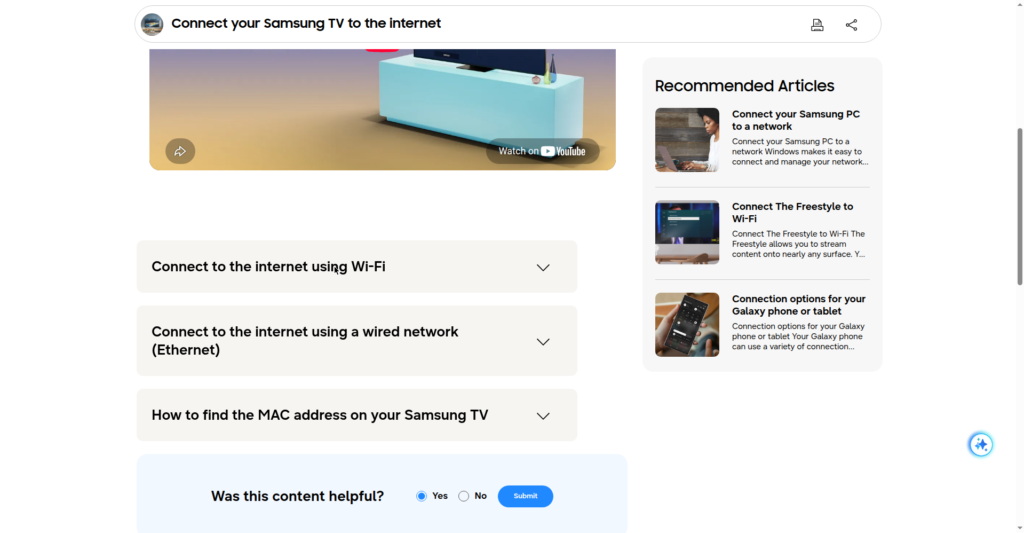
A Smart TV often remains in one location for years. That makes Ethernet practical when the router or network connection is reasonably close.
Wi-Fi may still be the easier option when the television is far from the router. It also avoids the need to route a cable across the room.
The decision should be based on the actual television location. A good wireless connection does not need to be replaced simply because the TV has an Ethernet port.
This is different from troubleshooting a Smart TV that has stopped working. That subject belongs in the dedicated Smart TV troubleshooting guide rather than this comparison.
Wi-Fi vs Ethernet for Streaming on a Desktop
A desktop computer normally stays in one location. That makes Ethernet easier to justify when a network port is available nearby.
A wired connection also avoids adding another wireless device to the local Wi-Fi environment. This can be useful when the desktop is already positioned close to the router or a network switch.
Wi-Fi remains practical when cable routing is inconvenient. A desktop does not automatically need Ethernet simply because it is stationary. The decision should consider the room, available ports, cable route, and existing network performance.
Wi-Fi vs Ethernet for Streaming on Mobile Devices
Phones and tablets are naturally suited to Wi-Fi. These devices move between rooms and are often used away from a fixed desk or television. An Ethernet adapter would add hardware and a cable to a device designed for wireless mobility. For this reason, Wi-Fi is usually the more practical connection method for mobile streaming.
The important exception would be a specific technical requirement where a wired connection is needed and the device supports the necessary adapter. That is a specialized setup rather than the normal use case.
Which Connection Is More Convenient?
Convenience depends on the device and room. Wi-Fi is easier when you need freedom to move the device. Ethernet is easier when the device is fixed and the cable route is straightforward.
A cable can also become part of the room’s physical design. It may need to run behind furniture, along a wall, or through an existing cable-management system.
Wireless avoids those physical considerations. Ethernet avoids wireless conditions. That trade-off is at the heart of the Wi-Fi vs Ethernet for streaming decision.
A Simple Way to Choose
Before changing the connection, consider these points:
Is the device fixed or mobile? Fixed devices are usually easier to connect by cable. Where is the router? A nearby router can make Ethernet installation simple. How does Wi-Fi perform at the viewing location? Consider the actual room rather than the router’s location. Can the cable be routed safely? A cable should not create an awkward or unsafe path. Does the device support Ethernet? Check its ports before buying an adapter. Does the current connection already work well? If it does, changing connection types may provide little benefit.
This approach keeps the decision practical. You do not need to change a working setup simply because another connection method is technically available.
Common Mistakes When Comparing Wi-Fi and Ethernet
One common mistake is assuming that Ethernet is automatically better in every situation. Ethernet removes the wireless link, but it does not change the quality of your internet service.
Another mistake is judging Wi-Fi from the router’s location alone. A connection that works well beside the router may behave differently several rooms away. Microsoft recommends testing performance in different areas of the home when evaluating wireless conditions.
It is also easy to focus too much on advertised maximum speeds. Those numbers do not describe the complete experience at a particular device.
The better approach is to consider the actual setup. Look at the device, room, router position, cable route, and current connection before making a change.
When Should You Choose Wi-Fi?
Wi-Fi is a sensible choice when:
the device needs to move around; cable routing would be inconvenient; the viewing location has a reliable wireless connection; the device does not have a practical Ethernet option; you want a simple installation.
For many homes, this is enough. There is no requirement to use Ethernet simply because it can provide a wired connection.
When Should You Choose Ethernet?
Ethernet is a sensible choice when:
the device stays in one location; a suitable network port is available; the cable can be routed neatly; wireless conditions are less suitable at that location; you prefer a physical connection between the device and network.
Microsoft describes a wired Ethernet connection as a way to connect a PC directly to a router. It also notes the use of USB-to-Ethernet adapters when required. The goal is not to replace Wi-Fi everywhere. It is to use Ethernet where its characteristics fit the setup.
Can a Home Use Both?
Yes. A mixed setup is completely practical.
A television can use Ethernet while phones remain on Wi-Fi. A desktop can use a cable while a laptop connects wirelessly. A tablet can move around the house without affecting the wired connection of fixed equipment.
This approach often makes more sense than choosing one method for every device. The Wi-Fi vs Ethernet for streaming decision does not have to produce one answer for the entire household. Each device can use the connection that best fits its location and purpose.
Final Thoughts
Wi-Fi and Ethernet can both support a good streaming setup. The important difference is how the device connects to the local network.
Wi-Fi provides flexibility and avoids cable installation. Ethernet provides a physical connection that does not depend on the wireless link between the device and router.
For a mobile device, Wi-Fi is usually the more practical choice. For fixed equipment, Ethernet can be attractive when the cable route is simple and wireless conditions are less suitable.
The best Wi-Fi vs Ethernet for streaming choice is therefore based on the actual setup. Look at the device, room, router location, cable path, and existing connection before making a change.
Frequently Asked Questions
Is Ethernet better than Wi-Fi for streaming? Neither is universally better. Ethernet removes the wireless link between the device and router. Wi-Fi provides greater flexibility.
Can Wi-Fi handle 4K streaming? Yes. A suitable Wi-Fi connection can support 4K playback when the service, device, and connection meet the required conditions. YouTube lists approximately 20 Mbps as a recommended sustained speed for 4K UHD playback.
Does Ethernet reduce streaming data usage? No. Ethernet does not inherently reduce the amount of data delivered by a streaming service.
Should a Smart TV use Ethernet? It can be useful when the TV is fixed and a cable can be installed conveniently. A reliable Wi-Fi connection may be sufficient when cable installation is difficult.
Does Ethernet eliminate buffering? No. Ethernet can remove wireless conditions from the local connection, but buffering can have other causes.
Can Wi-Fi and Ethernet be used together in one home? Yes. Different devices can use different connection methods. This is often practical for homes with both fixed and mobile streaming devices.
Does Ethernet always provide faster streaming? No. Ethernet provides a wired connection, but actual streaming performance depends on the complete network and service. A suitable Wi-Fi connection can also provide enough performance for streaming. YouTube notes that hardwiring may help in some situations.
Editorial and Source Note
Written and reviewed by the StreamingCommunity editorial team. Last reviewed: September 2026. Technical references for this guide include YouTube Help and Microsoft Support documentation covering streaming requirements, Wi-Fi conditions, home network layout, and Ethernet connections.