What Internet Speed Do You Need for Streaming?
What internet speed do you need for streaming? The answer depends on the video quality you want to watch, how many devices are streaming at the same time, and what else is using your connection. There is no single speed that works for every household.
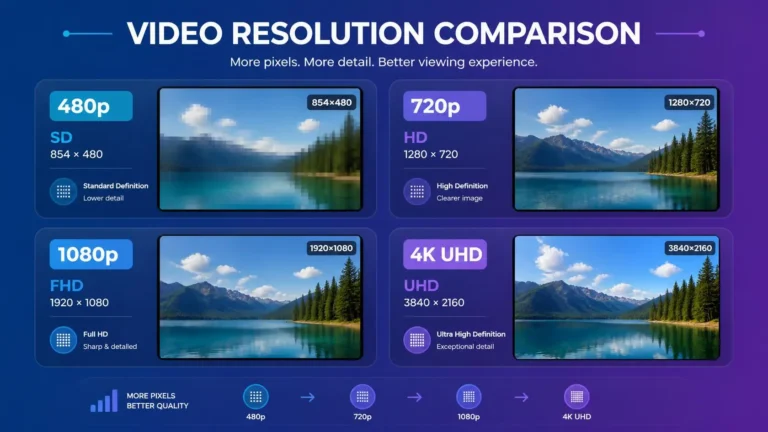
Netflix currently recommends at least 3 Mbps for 720p HD, 5 Mbps for 1080p Full HD, and 15 Mbps for 4K UHD. YouTube recommends approximately 2.5 Mbps for 720p, 5 Mbps for 1080p, and 20 Mbps for 4K UHD. These figures are service recommendations rather than universal requirements for every streaming platform.
If you are new to the technical side of streaming, our guide to how streaming works explains how media is delivered from a streaming service to your device.
Why Streaming Needs Internet Speed
When you stream video, your device continuously receives media data from the streaming service. The amount of data needed depends largely on the quality and bitrate of the video.
Higher-resolution video generally requires more data to be delivered over the connection. However, resolution is not the only factor. Compression, the streaming service, playback conditions, and the device can also affect how much bandwidth is needed.
A connection that is sufficient for one HD stream may not provide the same experience when several people are streaming at the same time.
This is why it helps to distinguish between the bandwidth used by one stream and the total capacity needed by a household.
What Internet Speed Do You Need for Streaming?
There is no universal minimum that applies to every service. Official recommendations vary between platforms.
| Streaming quality | Approximate speed to plan for |
|---|---|
| SD | Around 1 to 3 Mbps |
| HD 720p | Around 2.5 to 3 Mbps |
| Full HD 1080p | Around 5 Mbps |
| 4K UHD | Around 15 to 20 Mbps |
Netflix recommends 3 Mbps or higher for 720p, 5 Mbps or higher for 1080p, and 15 Mbps or higher for 4K UHD.
YouTube recommends approximately 2.5 Mbps for 720p, 5 Mbps for 1080p, and 20 Mbps for 4K UHD.
These figures show why what internet speed do you need for streaming cannot be answered with one number for every service. Different platforms can have different delivery and encoding conditions.
For household planning, it is also sensible to leave capacity for other devices and network activity instead of treating the streaming recommendation as the total requirement for the entire connection.
How Multiple Streams Change Your Speed
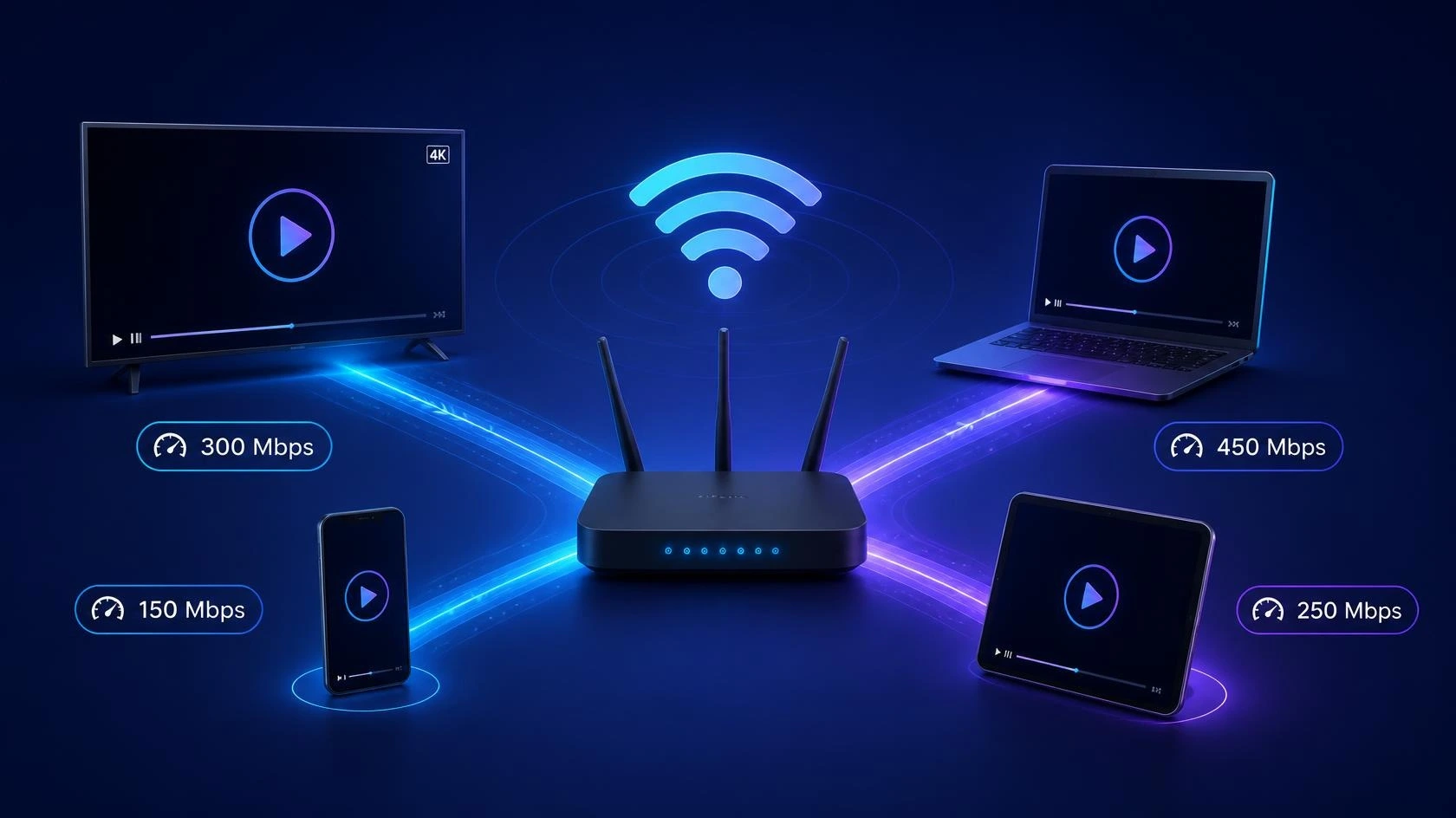
If you are asking what internet speed do you need for streaming across several devices, the number of simultaneous streams becomes just as important as the quality of each stream.
For example, using simple planning calculations:
- One 1080p stream at around 5 Mbps needs roughly 5 Mbps for that stream.
- Two simultaneous 1080p streams would require roughly 10 Mbps for the streams themselves.
- Three would require roughly 15 Mbps for the streams themselves.
- Two 4K streams using a 20 Mbps planning figure would require roughly 40 Mbps for the streams themselves.
These are planning estimates, not guarantees. Actual usage can vary because streaming services can adjust video delivery according to current conditions.
YouTube notes that using multiple devices on the same network may reduce the speed available to the device playing the video.
The household connection therefore needs enough capacity for streaming plus other activities such as browsing, downloads, software updates, video calls, gaming, and other connected devices.
Your Internet Plan Is Not the Same as Actual Speed
An internet plan may advertise a particular maximum speed, but that does not mean every device will always receive that speed.
Your actual result can depend on:
- Wi-Fi conditions
- distance from the router
- network congestion
- other devices using the connection
- the connection between your router and internet service provider
- the device itself
- the streaming service
- the time of day
For example, a household with a high-speed internet plan can still experience problems on a device with a weak Wi-Fi connection.
This distinction matters when troubleshooting. If a speed test performed on the streaming device shows substantially less speed than expected, the problem may be somewhere between the device and the internet connection rather than the advertised plan itself.
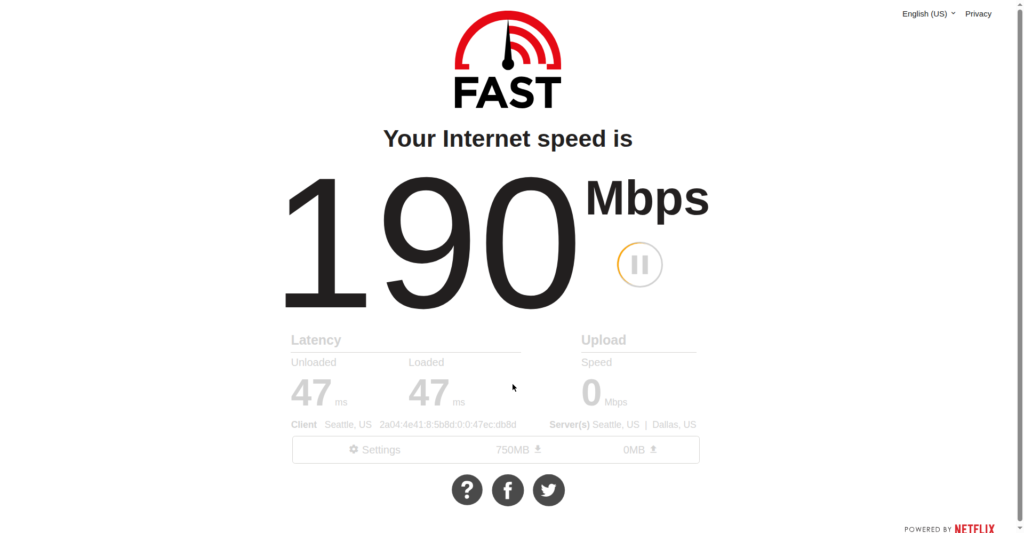
Netflix recommends using Fast.com to check internet speed on a phone, tablet, or computer.
How to Check Whether Your Connection Is Fast Enough
The most useful test is performed on the device that is actually being used for streaming.
A practical approach is to:
- Run a speed test on the streaming device.
- Check the result against the recommendation for the video quality you want.
- Repeat the test when other people or devices are using the connection.
- Compare the result over Wi-Fi with a wired connection when possible.
- Check whether the problem affects one service or several.
Netflix recommends Fast.com for checking connection speed and notes that many factors can affect streaming quality.
YouTube also recommends checking whether the internet connection can support the selected video resolution. Its troubleshooting guidance notes that multiple devices can reduce available speed and that changing video quality can help when the connection cannot sustain the selected resolution.
YouTube also says that closing other tabs, browsers, and programs can help during playback, and that a wired connection may help compared with a wireless connection.
A speed test does not explain every streaming problem, but it can establish whether the available bandwidth is broadl
y consistent with the quality you are trying to watch.
If the main problem is repeated pauses during playback, see Why Does Streaming Keep Buffering? for a more detailed troubleshooting process.
Does Faster Internet Always Mean Better Streaming?
More available bandwidth can make it easier to support higher-quality video and several simultaneous streams, but speed is only one part of the playback experience.
A device can still have problems if its connection is unstable, the application has an issue, the device has limitations, or the particular service is experiencing a problem.
The quality available can also depend on the title, device, browser, and streaming service. For example, YouTube notes that supported playback quality can depend on the device or browser, and some content may play at a lower quality when a device does not support the higher resolution.
This is why increasing an internet plan is not always the first step when only one device has a streaming problem.
A Simple Way to Estimate What Your Household Needs
Start with the number of streams that are normally active at the same time.
Imagine a household that commonly has:
- two 1080p streams at around 5 Mbps each
- one 4K stream at around 15 to 20 Mbps
- additional internet activity from phones, computers, and other devices
The streams alone could represent roughly 25 to 30 Mbps of simultaneous demand, before accounting for other household activity.
The calculation does not mean a 30 Mbps plan will always provide the same experience. It simply demonstrates why simultaneous streams matter.
For a household that regularly uses several high-quality streams, additional capacity can provide more room for other internet activity.
Frequently Asked Questions
What Internet Speed Do You Need for Streaming?
The answer depends on video quality, the number of simultaneous streams, and other activity on the connection. As a starting point, Netflix recommends 3 Mbps for 720p, 5 Mbps for 1080p, and 15 Mbps for 4K UHD. YouTube recommends approximately 2.5 Mbps for 720p, 5 Mbps for 1080p, and 20 Mbps for 4K UHD.
Is 10 Mbps enough for streaming?
It can be enough for a single 1080p stream under suitable conditions. Two simultaneous 1080p streams could already approach the 10 Mbps level based on the 5 Mbps planning figure, leaving little capacity for other activity.
Is 25 Mbps enough for streaming?
It can support common HD and Full HD streaming scenarios, including more than one stream, depending on the services being used and what else is happening on the network. A 25 Mbps connection may have less room for multiple 4K streams.
Is 50 Mbps enough for streaming?
A 50 Mbps connection can provide considerably more capacity for multiple HD streams and some 4K use. The actual experience still depends on the quality of the connection, network conditions, devices, and services.
Do I need 100 Mbps for streaming?
Not necessarily. The required speed depends on the number and quality of simultaneous streams and other household activity. A faster plan can provide additional capacity, but streaming does not automatically require a 100 Mbps connection.
Does Ethernet make streaming faster?
Ethernet does not automatically increase the speed supplied by your internet provider. However, a wired connection can provide a direct connection between the device and router and can avoid some Wi-Fi-related limitations. YouTube notes that a wired connection may help with streaming.
Does 4K require more internet speed than HD?
Generally, yes. Higher-quality video requires more data to be delivered. Netflix recommends 15 Mbps or higher for 4K UHD, while YouTube recommends approximately 20 Mbps for 4K UHD.
Editorial and Source Note
The speed figures in this guide are based on current guidance published by Netflix and YouTube. The household examples are calculations based on those published recommendations and are presented as planning examples, not as official requirements for every household.
Streaming requirements can change as services, devices, video formats, and delivery technologies change. This article should therefore be reviewed periodically when major streaming platforms update their published recommendations.
Sources: Netflix Help Center, Netflix-recommended internet speeds; YouTube Help, Troubleshoot YouTube video errors and System requirements & supported devices for YouTube.
Final Takeaway
What internet speed do you need for streaming depends on video quality, simultaneous streams, and everything else sharing the connection.
For a single stream, official recommendations provide a useful starting point: around 3 Mbps for 720p on Netflix, 5 Mbps for 1080p, and 15 Mbps for 4K UHD. YouTube recommends approximately 2.5 Mbps for 720p, 5 Mbps for 1080p, and 20 Mbps for 4K UHD.
For a household, the better approach is to consider the number of streams running at the same time and leave capacity for other devices and activities.