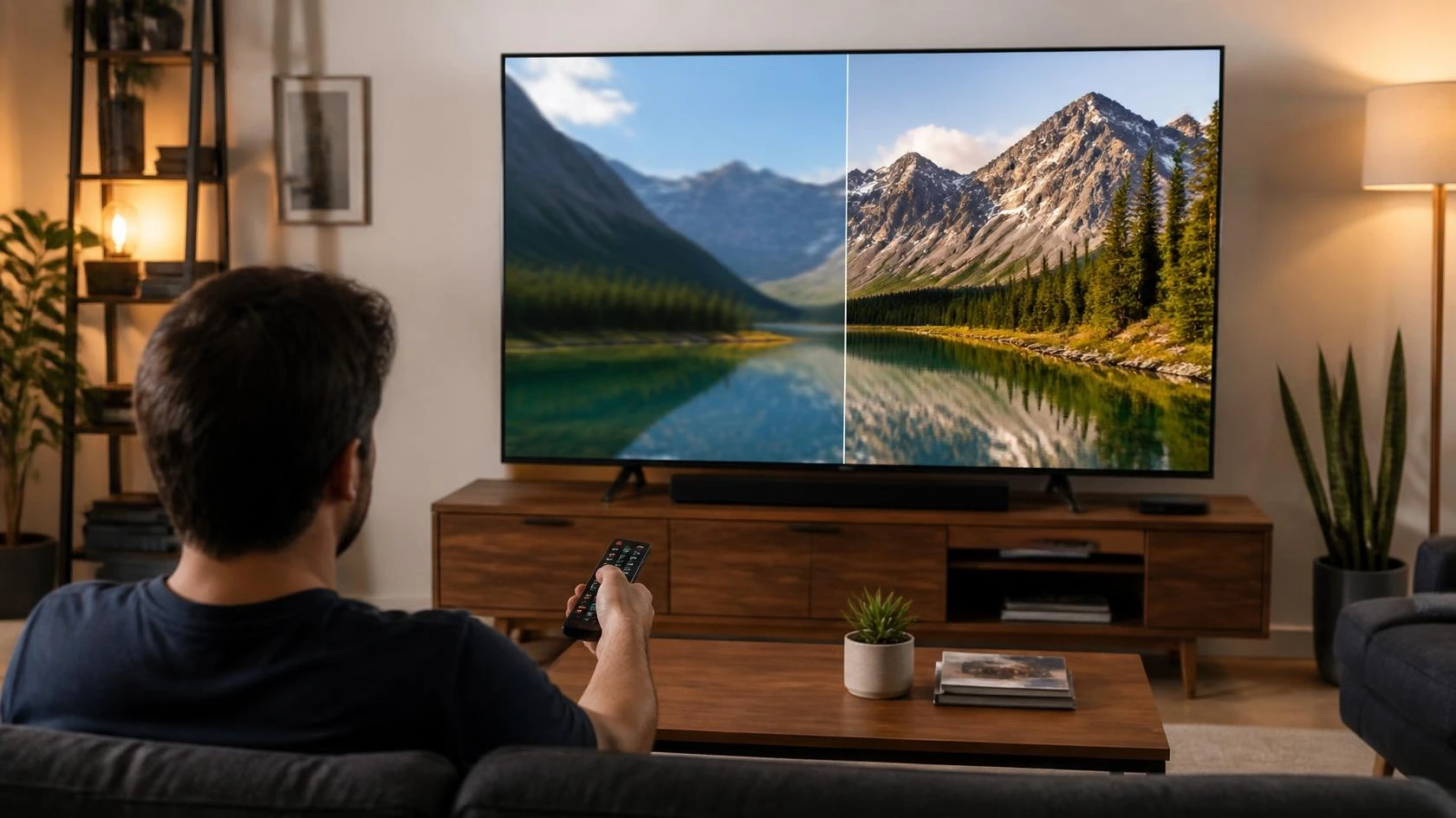
4K vs 1080p Streaming: Which Resolution Makes More Sense?
When choosing between 4K and 1080p streaming, the higher number can make the decision seem simple. More resolution means more pixels, but that does not automatically mean the difference will be obvious in every viewing setup.
The useful question is whether 4K gives you a visible improvement on your screen, from your seat, with your usual content. This guide looks at 4K vs 1080p streaming from that practical perspective. It focuses on when the difference becomes noticeable, when 1080p remains sensible, and what you should consider before paying more for higher-resolution streaming.
4K and 1080p Are Different Resolution Levels
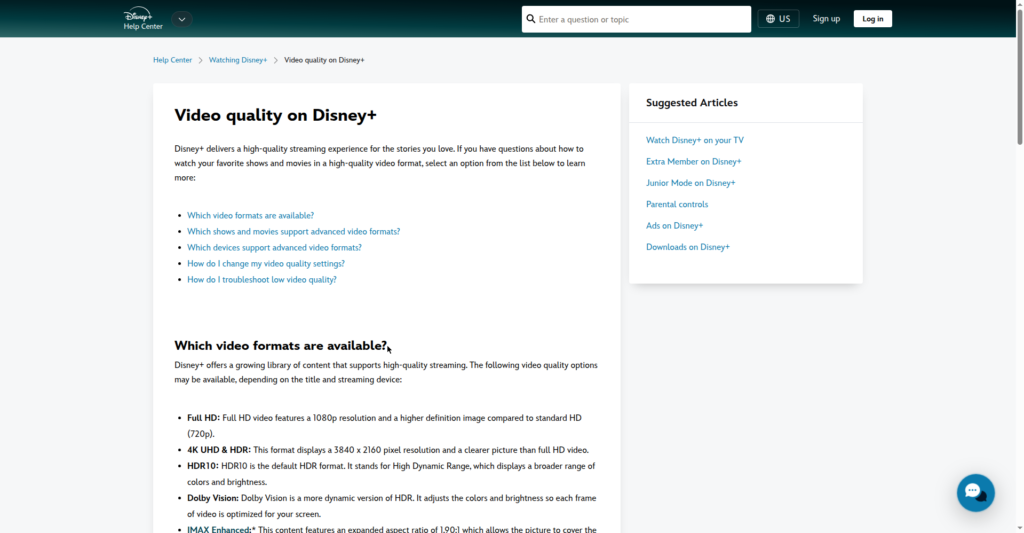
1080p and 4K describe the number of pixels used to form an image. A standard 1080p image is 1920 × 1080 pixels, while 4K UHD is 3840 × 2160 pixels. That gives 4K approximately four times as many total pixels as 1080p.
That additional pixel information can produce a sharper image, especially on a larger screen or when you are sitting close enough to resolve the extra detail.
However, resolution is only one part of the viewing experience. Source quality, display size, viewing distance, playback equipment, and the way the service delivers the video all influence what you actually see.
The practical difference therefore depends on the complete setup rather than the resolution number alone.
What Changes on the Screen?
The main advantage of 4K is additional image detail.
Fine textures, distant objects, small text, and other detailed parts of an image can look sharper when the source is genuinely 4K and the display handles it well.
The difference is usually easier to appreciate on a larger television than on a small screen. A higher-resolution image has more detail available, but that detail is only useful when the screen and viewing position allow you to see it.
This does not mean that every scene will suddenly look dramatically different. A simple scene with large objects and little fine detail may show a smaller visible difference than a detailed landscape, city scene, sporting event, or film with complex textures.
Screen Size Changes the Value of 4K
Screen size is one of the most important factors when deciding whether the upgrade is worthwhile.
A larger display gives you more opportunity to notice additional resolution. On a smaller television viewed from a normal distance, the difference between 1080p and 4K can be much harder to see.
RTINGS explains that resolution works together with display size and viewing distance. Higher resolution becomes more useful when the screen is large enough and the viewer is close enough to resolve the additional detail.
So a large TV viewed from a suitable distance can provide a stronger reason to choose 4K than a small screen viewed from across the room. Screen size alone does not determine the answer. Viewing distance matters just as much.
Viewing Distance Can Hide the Difference
Distance changes how much detail your eyes can distinguish.
When you sit farther away, fine differences between resolutions become harder to resolve. When you sit closer, additional pixels can become easier to see.
This is why two people with the same television may reach different conclusions about whether 4K is worth choosing. One person may sit close enough to notice additional detail, while another may sit far enough away that both versions look very similar.
RTINGS notes that the relationship between screen size and viewing distance plays an important role in whether resolution differences are noticeable. Before paying more for 4K, consider where you actually sit rather than judging the upgrade from the television’s specification alone.
The Source Must Actually Be 4K
A 4K television does not turn every video into native 4K.
The source has to provide the higher-resolution version for you to receive the full benefit. YouTube distinguishes between HD and UHD availability, and UHD playback can depend on the title, device, and playback environment.
This distinction matters because a 4K display can still show 1080p content. The television may upscale that content to fit its panel, but upscaling is not the same as receiving a native 4K source.
Good upscaling can make lower-resolution content look clean and sharp, but it cannot recreate image information that was never present in the source.
Native 4K and Upscaled 1080p Are Not the Same
When a 1080p video is displayed on a 4K television, the television scales the lower-resolution image to fit its higher-resolution panel.
This process can produce a very good-looking picture. Modern televisions can use image processing to improve edges and reduce some visible softness.
But the result should not be confused with native 4K. Native 4K content contains more image information than a 1080p source. Upscaling starts with the lower-resolution source and adapts that image to the larger pixel grid.
For everyday viewing, the difference may be subtle. On detailed content and larger screens, native 4K can show its advantage more clearly.
Content Quality Matters More Than the Label
Resolution cannot fix a poor source.
A video that was poorly recorded, heavily compressed, out of focus, or lacking fine detail may not suddenly become impressive because it is delivered at a higher resolution.
YouTube explains that video quality depends partly on the quality of the original upload. If the source itself does not contain higher-resolution detail, selecting a higher playback option cannot create the missing information.
This is one reason 4K vs 1080p streaming should not be treated as a simple numbers competition. A high-quality 1080p source can look better than a poor-quality 4K source. Production quality, encoding, compression, and the original material all remain important.
Does 4K Need a Better Connection?
Higher-resolution streaming generally requires more data to be delivered to the device. YouTube publishes different recommended sustained speeds for different resolutions.
Its current guidance lists approximately 20 Mbps for 4K and 5 Mbps for 1080p playback. These are YouTube recommendations, not universal requirements for every streaming platform.
The important point is not to treat those figures as a promise that a particular internet plan will always deliver the selected quality. Actual streaming conditions can change. Other devices may use the same connection, the service may adjust quality, and the device or browser may have its own limitations.
If your connection is already comfortably handling the quality you normally watch, the decision should not be based on speed alone.
For a broader explanation of connection requirements, see our guide on what internet speed you need for streaming.
What About Data Usage?
Higher-resolution video generally involves more data, although the exact amount depends on the service, codec, bitrate, compression, content, and playback conditions.
You should therefore avoid assuming that every hour of 4K streaming consumes one fixed amount of data.
With a monthly data allowance, higher quality can still matter because it may increase the amount of data transferred. Our guide on how much data streaming uses covers streaming data consumption separately.
If your connection or data allowance is limited, 1080p may be the more practical everyday choice.
Does a 4K Television Make 1080p Obsolete?
No.
A 4K television can still be useful with 1080p content. Many people with 4K televisions watch a mixture of resolutions depending on the service and title.
YouTube explains that available quality can vary according to the original video, device, browser, and other viewing conditions. A 4K television therefore does not require you to watch every video in 4K.
If a particular title is available only in 1080p, the television can still display it. The relevant question is how well the television handles the lower-resolution source and whether you notice the difference.
When 1080p Still Makes Sense
1080p remains a sensible choice when the viewing conditions do not provide much benefit from additional resolution. For example, 1080p can make sense if you:
- watch on a smaller screen
- sit relatively far from the display
- mainly watch content where fine detail is not important
- have limited bandwidth or a restricted data allowance
- do not want to pay extra for a higher-resolution streaming tier
- are already satisfied with the picture quality you receive
There is no technical requirement to choose 4K simply because your television supports it.
If the visible improvement is small from your normal viewing position, paying more may not provide much practical value.
When 4K Makes More Sense
4K becomes more attractive when several factors line up.
A large TV, a suitable viewing distance, native 4K content, a capable playback device, and a connection that can consistently handle the service’s requirements create a stronger case for 4K.
The difference can also matter more when you care about fine image detail and regularly watch content produced at high resolution.
The key is that the benefit comes from the combination of screen, distance, source, equipment, and viewing habits rather than from the resolution number alone.
Does 4K Always Look Better?
Not necessarily.
A 4K source can provide more detail, but the final image is still affected by the quality of the source and the display.
A television with good processing and a high-quality panel can make 1080p content look very good. At the same time, a low-quality 4K source may not look as impressive as the resolution label suggests.
You should also remember that 4K describes resolution, not every other aspect of picture quality. Brightness, contrast, color, motion handling, source quality, and other display characteristics can affect the overall experience.
That is why resolution should be evaluated as one part of the picture rather than as the entire definition of image quality.
What About Streaming on a Computer?
The decision can be different on a computer because viewing distance is often shorter.
A desktop monitor may be much closer to your eyes than a living-room television. This can make additional resolution easier to notice, particularly on a larger monitor.
However, the monitor, browser, operating system, graphics hardware, and streaming service must all support the required quality. YouTube notes that device and playback support can affect whether certain quality options are available.
So check the actual playback environment rather than assuming that a 4K monitor guarantees 4K streaming.
What About Phones and Tablets?
On smaller mobile displays, the practical difference can be less obvious.
Screen size and viewing distance both affect how easily very fine resolution differences can be seen. A phone held close to the viewer may reveal more detail, but the benefit still depends on the display and the content.
The same principle applies to tablets. A higher-resolution source can be useful, but the additional detail must be visible at the screen size and viewing distance you actually use.
For mobile viewing, convenience, battery use, network conditions, and content availability can sometimes matter more than choosing the highest resolution available.
Does HDR Change the 4K vs 1080p Decision?
HDR is a separate picture characteristic from resolution.
A video can be 4K without HDR, and HDR content does not inherently require 4K resolution. You should therefore avoid treating the two as one upgrade.
If you are comparing displays or streaming plans, consider resolution and HDR separately.
Our HDR vs SDR streaming comparison focuses on the practical differences between those picture formats. That keeps the resolution decision separate from the question of dynamic range.
Is 4K Worth Paying More For?
The answer depends on whether the additional resolution changes what you can actually see.
With a small TV, a distant viewing position, and little native 4K in your regular viewing, a more expensive tier may bring limited benefit. With a large display, a suitable viewing distance, regular 4K content, and compatible equipment, paying for 4K makes more sense.
The price difference should therefore be evaluated alongside your actual viewing habits.
A higher specification is not automatically better value.
A Practical 4K vs 1080p Streaming Comparison
| Factor | 1080p | 4K |
|---|---|---|
| Resolution | 1920 × 1080 | 3840 × 2160 |
| Image detail | High | Higher |
| Best suited to | Smaller or moderate screens | Larger screens |
| Viewing distance | More forgiving | Benefits more from suitable viewing distance |
| Connection demand | Generally lower | Generally higher |
| Data use | Generally lower | Generally higher |
| Content requirement | 1080p content | Native 4K content for the full benefit |
| Device support | Broad | More dependent on compatible hardware and software |
| Visible benefit | Often sufficient for everyday viewing | More noticeable when screen size and viewing position support it |
| Cost | Often available at lower tiers | May require a higher-priced tier |
This table is a practical comparison rather than a universal rule. Streaming services use different delivery systems, quality settings, compression methods, and subscription structures.
A Simple Way to Choose
Start with your display.
If you have a smaller screen or sit far away, 1080p may already provide enough detail for comfortable viewing.
If you have a large television and sit close enough to resolve additional detail, 4K has a stronger case.
Then check the content. If the titles you actually watch are available in native 4K, the higher resolution can provide a meaningful improvement.
After that, consider your connection and data allowance.
Finally, look at the price difference. If the higher-resolution option costs significantly more but produces only a small visible improvement in your setup, 1080p may be the better value.
Common Mistakes When Comparing 4K and 1080p
One common mistake is assuming that every 4K television requires 4K content. A 4K display can still show 1080p and lower-resolution video.
Another is assuming that the resolution number tells you everything about picture quality. Source quality, display performance, processing, and viewing conditions all matter.
It is also easy to assume that 4K will look dramatically better from any distance. The benefit becomes harder to see when the screen is small or the viewer sits farther away.
Finally, do not confuse an internet plan’s advertised speed with guaranteed streaming quality. The actual viewing experience depends on the connection available to the device and the conditions at the time.
Frequently Asked Questions
Is 4K much better than 1080p for streaming?
It can be, but the visible difference depends on screen size, viewing distance, source quality, and display performance. The improvement is easier to notice on larger screens viewed from suitable distances.
Is 1080p enough for streaming?
Yes. 1080p can provide a sharp and useful viewing experience, particularly on smaller screens or when the viewer sits farther away.
Does a 4K TV make 1080p content look like 4K?
No. A 4K television can upscale 1080p content to fit its panel, but the original source does not contain the same amount of image information as native 4K.
Does 4K streaming need faster internet?
Generally, higher-resolution streaming requires more data to be delivered. YouTube currently recommends approximately 20 Mbps of sustained speed for 4K and 5 Mbps for 1080p playback. These figures are specific to YouTube and should not be treated as universal requirements for every service.
Is 4K worth paying more for?
It depends on your setup. A large screen, suitable viewing distance, native 4K content, and compatible equipment make the additional cost easier to justify.
Can I watch 4K streaming on a 1080p TV?
When 4K playback is not supported or available, a streaming service may provide a lower-resolution version instead. You cannot see native 4K detail on a display whose physical resolution is 1080p.
Does 4K automatically mean better picture quality?
No. 4K provides higher resolution, but overall picture quality also depends on the source, display, processing, brightness, contrast, color, and other factors.
Final Thoughts
4K vs 1080p streaming is not simply a choice between a lower number and a higher number.
4K can provide more visible detail, but the benefit depends on the screen, viewing distance, source quality, playback equipment, connection, content availability, and price.
1080p remains a practical choice when the additional detail would be difficult to notice or when the higher-resolution option does not justify its extra cost.
If you are deciding whether to upgrade, look at your actual viewing setup first. A large screen viewed from a suitable distance with native 4K content provides a stronger reason to choose 4K. A smaller screen, longer viewing distance, or limited 4K content can make 1080p perfectly reasonable.
The best resolution is the one that produces a useful improvement in the way you actually watch.
Editorial and Source Note
This comparison focuses on the practical decision between 4K and 1080p for streaming. It does not repeat the site’s separate guide explaining what 4K streaming is, nor does it replace the guides covering internet speed, streaming data use, or HDR.
For technical information about resolution and playback, this article refers to documentation from YouTube covering HD and UHD playback, recommended connection speeds, device support, and video resolution.
For the relationship between resolution, screen size, and viewing distance, it also refers to independent display testing and research from RTINGS.
No manufacturer or streaming service sponsored this comparison.