HDR vs SDR Streaming: Which Picture Format Fits Your Setup?
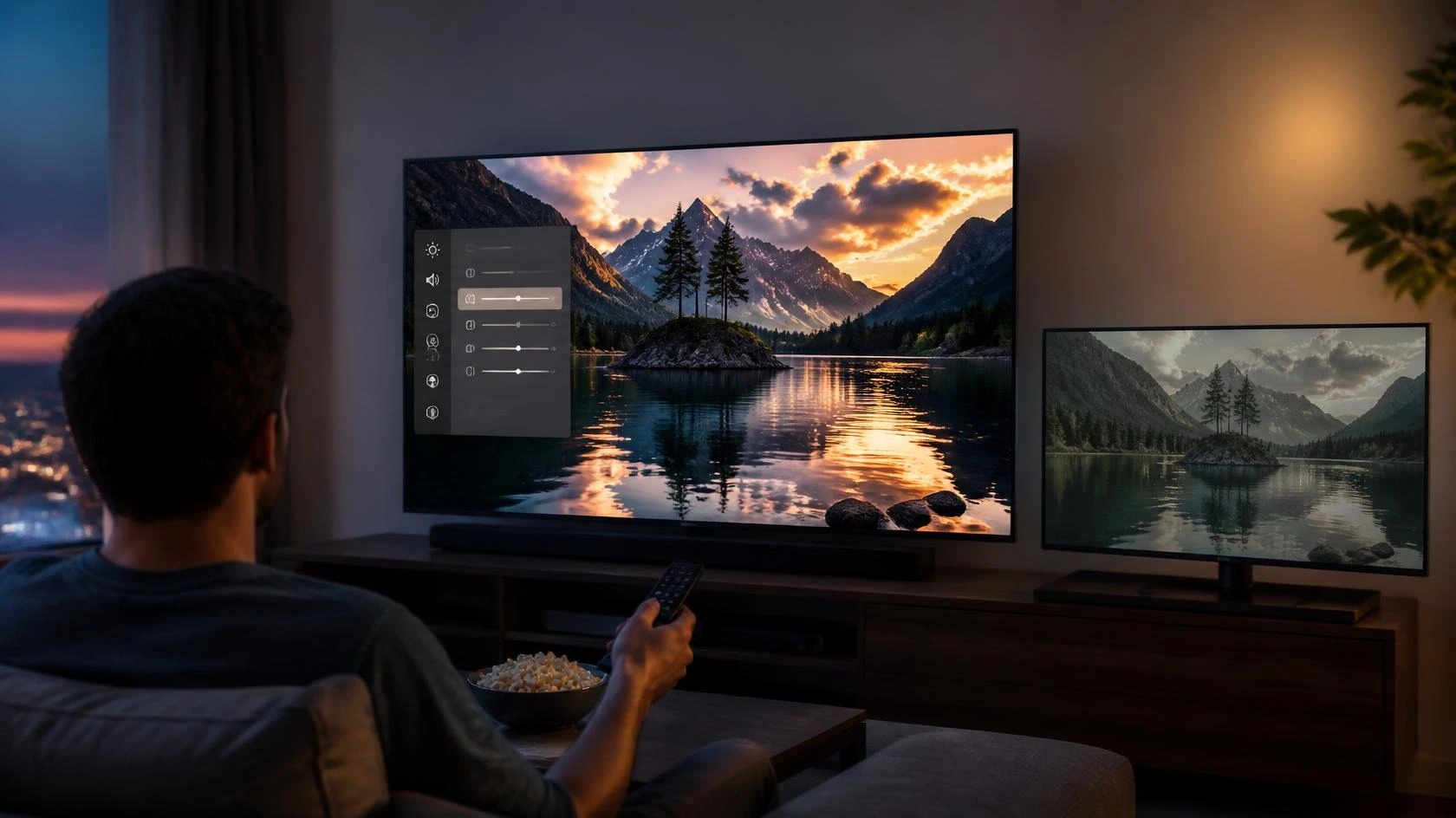
When comparing HDR vs SDR streaming, the choice is not simply about which label sounds better. The better question is whether the difference will matter on your display, content, room, and viewing setup.
HDR can look noticeably better when the display reproduces its wider brightness range well and the content is actually in HDR. SDR can still be the sensible choice with a limited display, a bright room, or content that gains little from HDR.
This guide compares HDR vs SDR streaming from that practical perspective. It focuses on when each format makes sense rather than repeating the technical explanation of how HDR works.
HDR and SDR Are Not the Same Viewing Experience
HDR and SDR describe different ways of presenting the brightness and tonal range of video. For viewers, however, the important issue is not the terminology itself. It is what happens when that content reaches the screen.
A capable HDR display can reproduce brighter highlights and greater tonal separation between bright and dark parts of an image. RTINGS notes that HDR brightness is particularly important for bright highlights and for achieving the intended HDR presentation.
SDR does not automatically mean poor picture quality. A good display can produce an excellent SDR image, and much of what people watch daily is still SDR.
So judge the complete setup, not the format name alone.
What Difference Can You Actually See?
The visible difference depends heavily on the display.
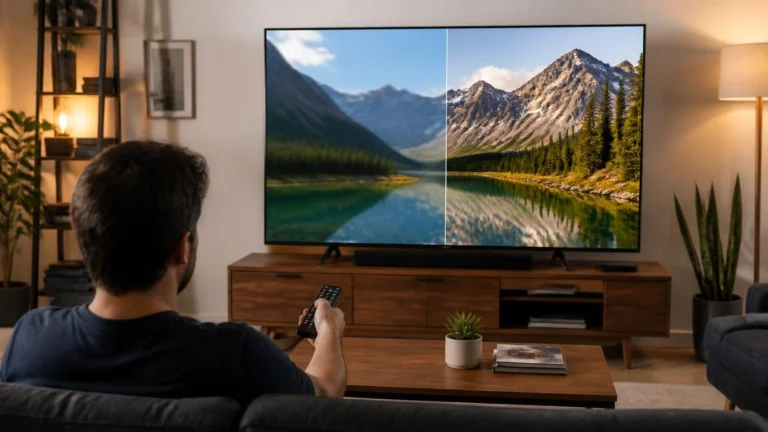
With good HDR content on a capable display, highlights can look more intense while bright and dark areas can show greater tonal separation. Bright objects such as lights, reflections, sunlight, or fire can benefit from the additional range.
The improvement is less meaningful when the display cannot reproduce enough brightness or contrast to make those differences visible.
This is why two televisions can both advertise HDR support while producing noticeably different results. HDR support means the display can accept and process supported HDR content. It does not guarantee strong HDR performance or the same HDR picture as a better display.
The Display Matters More Than the Label
If you are deciding between HDR and SDR, start with the television or monitor rather than the streaming service.
A display’s actual performance affects how much benefit you receive from HDR. Brightness, contrast, black-level performance, reflection handling, and the way the display manages HDR content all influence what you see.
RTINGS separates SDR and HDR brightness testing because the two modes have different requirements. Its HDR testing specifically considers how well a display produces bright highlights in HDR content.
So an HDR badge on the spec sheet does not prove HDR will look dramatically better than SDR.
Room Lighting Can Change the Decision
Your viewing environment is another important factor.
A bright room can make it harder to appreciate darker parts of an image and can increase reflections on the screen. Display brightness and reflection handling therefore matter when watching during the day. RTINGS notes that SDR brightness can help overcome glare in bright rooms, while HDR brightness affects both highlight impact and visibility in well-lit environments.
In a controlled room, especially when watching at night, differences in darker scenes and bright highlights may be easier to appreciate.
HDR is not limited to dark rooms, though. Surrounding light still changes how obvious the difference looks.
Content Determines Whether HDR Can Be Used
Your display cannot create genuine HDR from an ordinary SDR source just because HDR is switched on. The source matters too.
YouTube, for example, can provide HDR versions of supported videos, while viewers on non-HDR devices receive an SDR version. YouTube also identifies HDR availability in its quality controls when the appropriate version is available.
So if most of what you watch is available only in SDR, the practical benefit of buying hardware specifically for HDR may be limited. But if your usual services offer HDR versions, a capable display makes the feature more worthwhile.
HDR Does Not Automatically Make Every Video Better
A format does not determine the quality of the original production. The source video still matters: YouTube explains that available quality depends partly on the original upload, plus your screen, connection, and browser.
So an HDR label is no universal guarantee of a better-looking image.
A well-produced SDR video can look very good. An HDR video can also look less impressive if the display, source, or viewing conditions limit what you can actually see.
The better question is whether the whole chain can deliver a visible improvement.
When SDR Can Still Be the Better Choice
SDR can make sense when:
- you already have a good SDR display
- most of your regular content is SDR
- your display has limited HDR performance
- you primarily watch in conditions where HDR’s benefits are difficult to notice
- you do not want to replace otherwise suitable equipment
- HDR compatibility would require spending significantly more
You do not need to replace a suitable TV simply because newer models support HDR.
If you are happy with your current picture, the real-world gain may be smaller than the spec sheet suggests.
When HDR Makes More Sense
HDR becomes more compelling when compatible content is available and the display can reproduce the additional range effectively. It is especially relevant when you are buying a new, capable display, regularly watch HDR content, and the display produces strong HDR highlights. It matters most for films and shows with high-contrast scenes, in a room where you can actually see the extra range, and when the price gap between suitable displays is reasonable.
The important point is that these factors work together.
A weak HDR display may give you less than a high-quality display that handles SDR exceptionally well.
What If Your TV Supports HDR but You Prefer SDR?
Supporting HDR does not mean that every viewing situation requires it.
Different content can produce different results, and personal preference also matters. If SDR looks more comfortable in your room, no rule says you must use HDR whenever it is available.
The purpose of HDR is to reproduce content according to its intended dynamic range. Your viewing environment and display capabilities still determine how that presentation looks to you.
HDR and SDR on a Phone or Tablet
The comparison changes somewhat on smaller displays.
Screen size, viewing distance, brightness, and the quality of the mobile display all affect how noticeable picture differences are.
A high-quality phone with a bright HDR-capable display can make HDR useful, particularly when watching close to the screen. A basic mobile display may provide less visible benefit.
The same principle applies: the actual display matters more than the HDR label.
HDR and SDR on a Computer
Computer viewing adds more variables. The monitor must support HDR, and the operating system, browser, graphics hardware, and video source all affect the result.
YouTube states that HDR playback on a computer needs HDR-capable graphics and an HDR display, with HDR enabled in system settings.
On a desktop or laptop, check the monitor and system settings instead of assuming an HDR video will play in HDR.
Does HDR Require 4K?
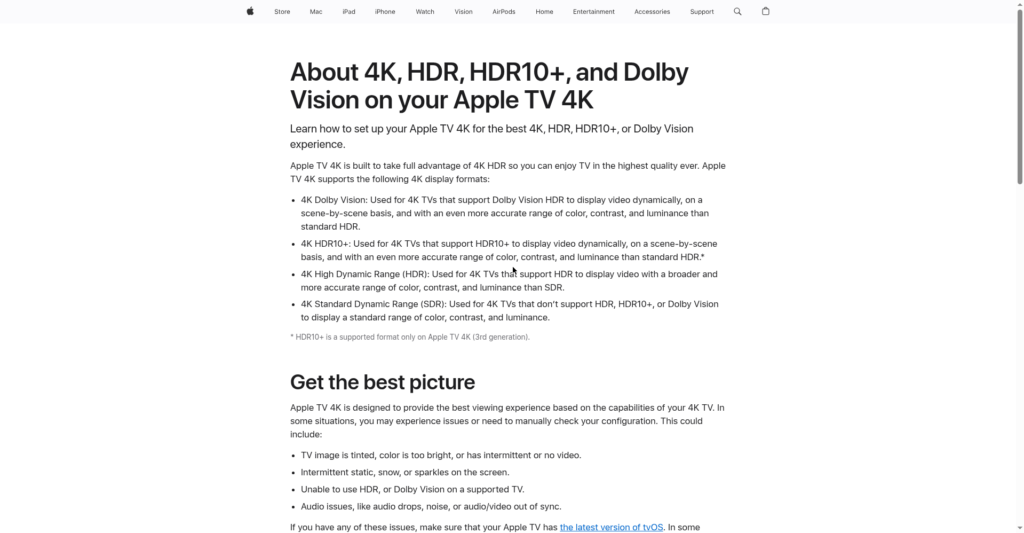
No. HDR and resolution describe different aspects of video. A video can be HDR without being 4K, and 4K does not automatically mean HDR.
This distinction matters when comparing displays because you should not treat resolution and dynamic range as the same upgrade.
Our 4K vs 1080p streaming comparison covers the resolution decision separately. The HDR vs SDR decision should remain focused on picture range and whether the display can make that difference worthwhile.
Does HDR Use More Data?
The amount of streaming data depends on the service, video representation, resolution, compression, bitrate, and other delivery factors. HDR should therefore not be treated as having one universal data requirement.
A higher-quality version can require more data, but you should not assume a fixed number simply from the HDR label.
For your connection and data usage, check the service’s published requirements and the quality level you normally watch.
Our guide on how much data streaming uses covers this in detail.
What About an Older TV?
An older TV does not automatically need replacing because newer models advertise HDR. First ask what problem you are trying to solve.
If your current TV looks fine and you mostly watch SDR, upgrading for HDR alone may not be worth the cost.
If you are replacing the TV anyway, include HDR capability, provided the new display can actually take advantage of it.
What Should You Compare When Buying a New Display?
Do not compare televisions on HDR support alone. Check the full specification and independent measurements where available: HDR brightness for highlight impact, SDR brightness for everyday content and bright rooms, contrast for separation between light and dark, and reflection handling for daytime viewing. Then weigh your room, the content you actually watch, screen size, and the price difference.
That comparison tells you more than any HDR logo.
HDR vs SDR Streaming: A Simple Way to Decide
Start with your existing setup. If you already own a good television and are satisfied with its SDR picture, there may be no reason to upgrade solely for HDR.
If you are buying a new television, compare the actual display performance rather than treating HDR support as the deciding factor.
If you regularly watch HDR content on a display that reproduces highlights and contrast well, HDR can be a meaningful upgrade.
If your content is mostly SDR or your display and room hide the difference, SDR remains perfectly adequate.
Choose what improves the viewing you actually do, not the spec sheet that looks most impressive.
Common Mistakes When Comparing HDR and SDR
One common mistake is assuming that HDR automatically means better picture quality on every television.
Another is treating HDR and 4K as the same feature. They address different parts of the picture.
It is also easy to compare television specifications without considering the room where the display will actually be used.
Finally, check that the content you watch is actually available in HDR before paying extra for it.
Final Thoughts
HDR vs SDR streaming is best understood as a viewing decision rather than a competition between two labels.
HDR can be valuable when compatible content is viewed on a display capable of reproducing its additional range effectively. SDR remains a strong option when the display, content, room, or budget makes HDR less useful.
If you are choosing new hardware, evaluate the display itself, the content you watch, your viewing environment, and the price difference together.
That gives a more realistic answer than picking a TV for its HDR badge alone.
Frequently Asked Questions
Is HDR always better than SDR?
No. HDR can provide a more capable presentation when the content and display support it, but the visible benefit depends on the complete viewing setup.
Should I upgrade my TV just for HDR?
Not necessarily. If you are satisfied with your current picture and mainly watch SDR content, the improvement may not justify replacing the television.
Does HDR require a 4K TV?
No. HDR and resolution are separate characteristics. A display can support HDR without using 4K resolution.
Does a brighter TV always have better HDR?
No. Brightness is important for HDR, but it is only one part of display performance. Contrast, processing, black levels, and other characteristics also affect the result.
Is SDR still good for streaming?
Yes. SDR remains a valid format and can look very good on a capable display.
Why does HDR look different on different TVs?
Displays differ in brightness, contrast, processing, reflection handling, and other characteristics. HDR support therefore does not guarantee identical results across televisions.
Editorial and Source Note
This comparison focuses on the practical differences between HDR and SDR for streaming decisions. It does not replace the site’s separate technical guide explaining HDR streaming, formats, compatibility, and playback considerations. No manufacturer or streaming service sponsored this guide.
For technical and compatibility information, this guide refers to documentation from YouTube and independent display testing from RTINGS. YouTube confirms that HDR content is presented in HDR on supported devices and can be delivered as SDR to devices that do not support HDR. RTINGS provides separate measurements for SDR and HDR brightness because the two viewing modes have different performance considerations.